




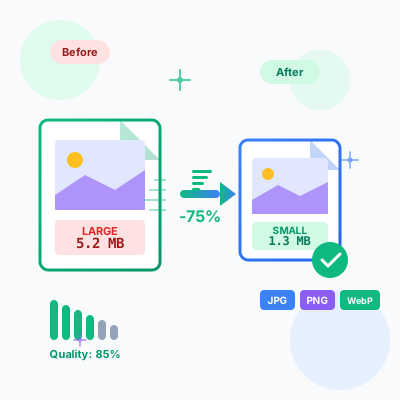
Image Compressor - Optimize & Compress Images Online Free
Free online image compressor tool. Compress JPG, PNG, WebP images while maintaining quality. Batch compression, before/after comparison, resize options, and ins...
17 min read

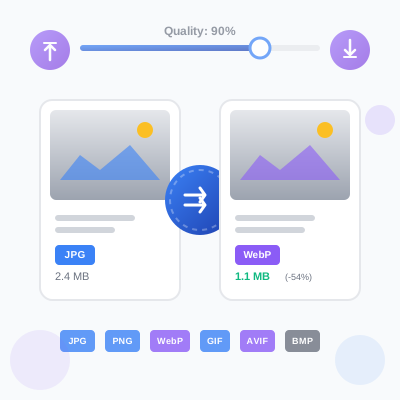
Free online image format converter for web and digital use. Convert images between JPG, PNG, WebP, GIF, AVIF, and BMP formats with adjustable quality settings. Features batch conversion, side-by-side preview, file size comparison, and client-side processing for complete privacy. No registration or file uploads required—all conversions happen directly in your browser. Perfect for optimizing website images, creating transparent graphics, and modernizing image formats.
Image format conversion transforms images from one file format to another while preserving visual content. Different formats use different compression algorithms, color spaces, and feature sets—conversion allows you to optimize images for specific use cases (web performance, transparency support, animation, print quality).
Why convert image formats:
How conversion works (technical):
ctx.drawImage()).canvas.toBlob() with specified MIME type and quality settings.All processing happens client-side in your browser—no server uploads, ensuring complete privacy for sensitive images.
This tool supports six popular image formats covering web, digital, and legacy use cases:
JPEG/JPG (Joint Photographic Experts Group):
PNG (Portable Network Graphics):
WebP:
GIF (Graphics Interchange Format):
AVIF (AV1 Image File Format):
BMP (Bitmap):
For lossy formats (JPEG, WebP, AVIF), the quality slider controls compression level—higher quality preserves more detail but creates larger files. Finding the optimal quality-to-size ratio maximizes visual appeal while minimizing load time.
Quality level recommendations:
90-100% quality (Maximum Quality):
80-85% quality (Recommended for Web):
70-75% quality (Aggressive Compression):
50-60% quality (Maximum Compression):
Below 50% quality (Not Recommended):
Quality comparison tool: This converter shows side-by-side before/after previews with file size comparison. Use this to visually evaluate quality settings before committing to batch conversions. Zoom in on previews to inspect compression artifacts at pixel level.
Format-specific quality notes:
Processing multiple images simultaneously saves time for large conversion projects. This tool supports uploading up to 50 images per session, configuring unified settings, and bulk downloading results.
Step-by-step batch conversion:
Step 1: Upload images
Step 2: Configure output settings
Step 3: Preview originals
Step 4: Convert all or individually
Step 5: Review results
Step 6: Download
Batch workflow tips:
Limitations:
This tool prioritizes privacy by processing all images locally in your browser—zero server uploads, no data collection, complete confidentiality.
How client-side processing works:
File loading (local only):
Image processing (Canvas API):
CanvasRenderingContext2D) handles decoding, manipulation, and encodingFormat conversion (browser-native):
toBlob() method encodes pixel data to target format (JPEG, PNG, WebP, AVIF)Download (local file system):
Privacy guarantees:
No server uploads:
No analytics/tracking:
No third-party dependencies:
Offline capability:
Verification methods:
Limitations of client-side processing:
Browser memory constraints:
Format support depends on browser:
No cloud storage integration:
For privacy-conscious users, this tool offers desktop-software-level privacy without installation requirements—perfect for handling sensitive images securely.
Image format support varies across browsers—understanding compatibility ensures converted images work for your target audience.
Format support matrix (2026):
| Format | Chrome | Firefox | Safari | Edge | Opera | Global Support |
|---|---|---|---|---|---|---|
| JPEG | ✅ All | ✅ All | ✅ All | ✅ All | ✅ All | 100% |
| PNG | ✅ All | ✅ All | ✅ All | ✅ All | ✅ All | 100% |
| GIF | ✅ All | ✅ All | ✅ All | ✅ All | ✅ All | 100% |
| WebP | ✅ 23+ | ✅ 65+ | ✅ 14+ | ✅ 18+ | ✅ 12.1+ | 95%+ |
| AVIF | ✅ 85+ | ✅ 93+ | ✅ 16+ | ✅ 93+ | ✅ 71+ | 75%+ |
| BMP | ✅ All | ✅ All | ✅ All | ✅ All | ✅ All | 100% |
Note: “All” means all versions, including legacy browsers. Version numbers indicate minimum required version.
Fallback strategies for modern formats:
WebP with JPEG/PNG fallback (recommended for production):
<picture>
  <source srcset="image.webp" type="image/webp">
  <img src="image.jpg" alt="Description">
</picture>
Modern browsers load WebP (25% smaller), older browsers load JPEG fallback.
AVIF with WebP and JPEG fallback (cutting-edge optimization):
<picture>
  <source srcset="image.avif" type="image/avif">
  <source srcset="image.webp" type="image/webp">
  <img src="image.jpg" alt="Description">
</picture>
Chrome 85+ loads AVIF (50% smaller), Safari 14-15 loads WebP, IE/older Safari loads JPEG.
Responsive images with format fallbacks:
<picture>
  <source srcset="image-800.avif 800w, image-1200.avif 1200w" type="image/avif">
  <source srcset="image-800.webp 800w, image-1200.webp 1200w" type="image/webp">
  <img src="image-800.jpg" srcset="image-800.jpg 800w, image-1200.jpg 1200w" alt="Description">
</picture>
Combines format fallbacks with responsive image sizing for optimal delivery.
Browser detection (JavaScript):
// Check WebP support
const supportsWebP = document.createElement('canvas')
  .toDataURL('image/webp')
  .startsWith('data:image/webp');

// Check AVIF support (async)
async function supportsAVIF() {
  const avif = 'data:image/avif;base64,AAAAIGZ0eXBhdmlmAAAAAGF2aWZtaWYxbWlhZk1BMUIAAADybWV0YQAAAAAAAAAoaGRscgAAAAAAAAAAcGljdAAAAAAAAAAAAAAAAGxpYmF2aWYAAAAADnBpdG0AAAAAAAEAAAAeaWxvYwAAAABEAAABAAEAAAABAAABGgAAAB0AAAAoaWluZgAAAAAAAQAAABppbmZlAgAAAAABAABhdjAxQ29sb3IAAAAAamlwcnAAAABLaXBjbwAAABRpc3BlAAAAAAAAAAIAAAACAAAAEHBpeGkAAAAAAwgICAAAAAxhdjFDgQ0MAAAAABNjb2xybmNseAACAAIAAYAAAAAXaXBtYQAAAAAAAAABAAEEAQKDBAAAACVtZGF0EgAKCBgANogQEAwgMg8f8D///8WfhwB8+ErK42A=';
  const img = new Image();
  img.src = avif;
  await img.decode();
  return img.width === 2;
}
Testing browser support:
Recommendations:
Different image types require different formats for optimal file size and quality. Matching format to content maximizes performance without sacrificing visual appeal.
Photographs and complex images:
Graphics, logos, and icons:
Transparent images:
Animations:
Thumbnails and previews:
Balancing visual quality with file size is critical for web performance—over-compressed images look unprofessional, while under-compressed images slow page loads.
Quality optimization workflow:
Step 1: Start with recommended baseline
Step 2: Test with sample images
Step 3: Adjust based on visual inspection
Step 4: Apply to full batch
Step 5: Measure performance impact
Quality settings by use case:
Common quality mistakes:
Modern formats (WebP, AVIF) dramatically reduce file sizes but require fallbacks for older browsers. Implementing progressive enhancement ensures all users receive images while prioritizing performance for modern browsers.
Multi-format delivery with <picture> element:
<picture>
  <!-- Modern browsers: AVIF (smallest) -->
  <source srcset="image.avif" type="image/avif">

  <!-- Fallback: WebP (smaller than JPEG) -->
  <source srcset="image.webp" type="image/webp">

  <!-- Universal fallback: JPEG (all browsers) -->
  <img src="image.jpg" alt="Descriptive alt text" width="800" height="600">
</picture>
How it works:
<source> elements top-to-bottom<img> element provides fallback and defines alt text, dimensionsResponsive images with format fallbacks:
<picture>
  <!-- AVIF with multiple sizes -->
  <source
    srcset="image-400.avif 400w, image-800.avif 800w, image-1200.avif 1200w"
    sizes="(max-width: 600px) 400px, (max-width: 1200px) 800px, 1200px"
    type="image/avif">

  <!-- WebP with multiple sizes -->
  <source
    srcset="image-400.webp 400w, image-800.webp 800w, image-1200.webp 1200w"
    sizes="(max-width: 600px) 400px, (max-width: 1200px) 800px, 1200px"
    type="image/webp">

  <!-- JPEG fallback with multiple sizes -->
  <img
    src="image-800.jpg"
    srcset="image-400.jpg 400w, image-800.jpg 800w, image-1200.jpg 1200w"
    sizes="(max-width: 600px) 400px, (max-width: 1200px) 800px, 1200px"
    alt="Descriptive alt text"
    width="800" height="600">
</picture>
Workflow for creating multi-format images:
<picture> element with all formats and sizesBuild automation: For large projects, automate multi-format generation with build tools:
responsive-loader + imagemin-webp + imagemin-avifgulp-responsive + gulp-webp + gulp-avifContent Delivery Networks (CDNs) with auto-format: Modern CDNs automatically serve optimal formats based on browser capabilities:
f_auto parameter)auto=format)For static sites without CDN auto-format, manually create and deploy all format variants.
Beyond quality settings, additional techniques minimize file sizes without quality loss—every kilobyte saved improves page load speed and reduces bandwidth costs.
Resize to target display dimensions:
Strip metadata (EXIF data):
Use progressive JPEG (for large images):
Lazy loading for off-screen images:
loading="lazy" attribute to <img> elements<img src="image.jpg" loading="lazy" alt="Description">Combine techniques for maximum savings:
Example savings (1920x1080 photo):
Image rendering varies across browsers and devices—testing ensures consistent visual quality and performance for all users.
Cross-browser testing checklist:
Desktop browsers:
Mobile browsers:
Testing methods:
Browser DevTools emulation:
Real device testing:
Automated testing:
What to test:
Common cross-browser issues:
<picture> fallbacks work in IE11, Safari <14—images should still load (JPEG/PNG)Manage multiple affiliate programs and improve your affiliate partner performance with Post Affiliate Pro.
Free online image compressor tool. Compress JPG, PNG, WebP images while maintaining quality. Batch compression, before/after comparison, resize options, and ins...
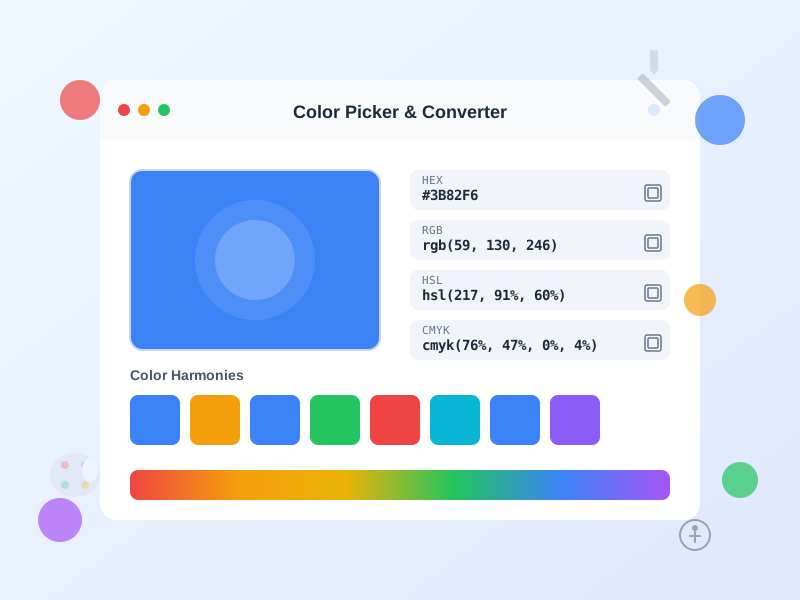
Free online color picker tool with instant conversion between HEX, RGB, HSL, HSV, and CMYK formats. Generate color palettes, check WCAG accessibility, and creat...
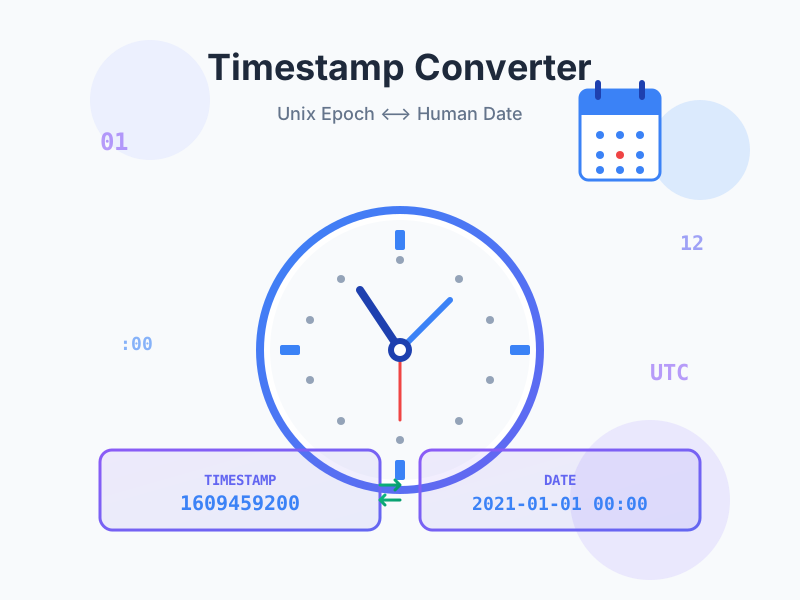
Convert Unix timestamps to human-readable dates and vice versa. Free online epoch time converter with timezone support, multiple formats, live current timestamp...
Join our community of happy clients and provide excellent customer support with Post Affiliate Pro.




Cookie Consent
We use cookies to enhance your browsing experience and analyze our traffic. See our privacy policy.