


CSV to JSON Converter - Convert CSV & JSON
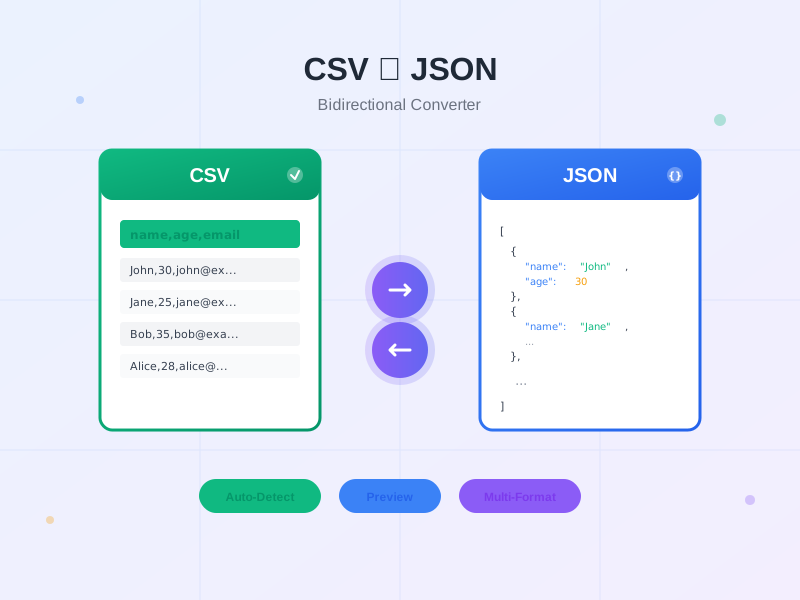
Free bidirectional CSV to JSON converter tool. Convert CSV to JSON or JSON to CSV with auto-detect delimiter, preview, and multiple output formats. No registrat...
14 min read

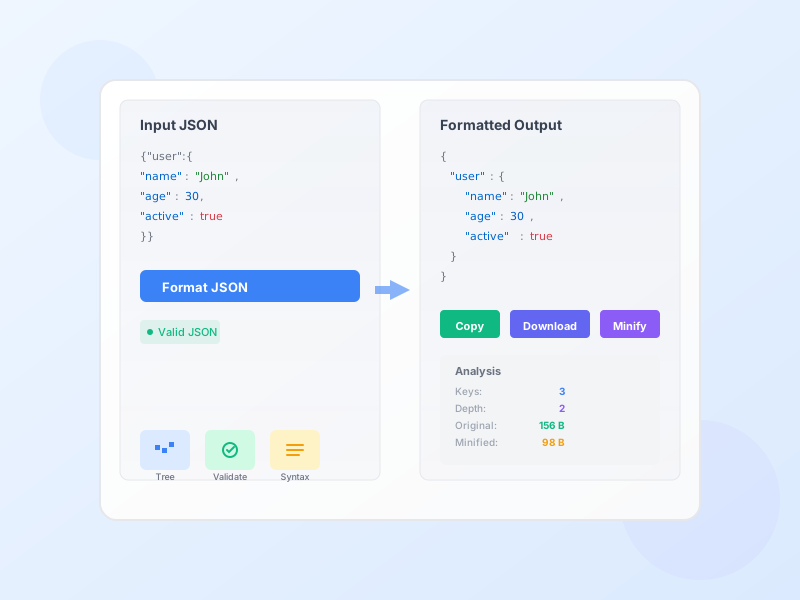
Format, beautify, validate, and minify JSON data instantly. Get syntax highlighting, detailed error messages, tree view, and comprehensive analysis of your JSON structure. Perfect for developers and API integrators.
JSON (JavaScript Object Notation) is the universal data exchange format for web APIs, configuration files, and data storage. It’s human-readable yet machine-parseable, making it perfect for transferring data between servers and applications.
Why JSON is everywhere: Lightweight compared to XML, easy to parse in any programming language, native JavaScript support, clean structure with key-value pairs. Almost every modern API returns JSON responses—Twitter, Facebook, Google, Stripe, payment processors, affiliate networks, analytics platforms.
Format & Beautify - Transform minified or messy JSON into properly indented, readable format. Choose 2-space, 4-space, or tab indentation. Perfect for reviewing API responses or debugging complex data structures.
Validate & Debug - Instantly catch syntax errors with detailed error messages and line numbers. No more hunting through code to find that missing comma or extra bracket. Validation runs in real-time as you edit.
Minify for Production - Strip all whitespace and formatting to reduce file size by 20-40%. Smaller JSON files mean faster API responses, lower bandwidth usage, and improved app performance.
Tree View - Visualize JSON structure as an interactive tree with collapsible nodes. Navigate complex nested data easily without getting lost in brackets and braces.
Syntax Highlighting - Color-coded keys, strings, numbers, booleans, and null values. Instantly spot data types and structure patterns. Dark mode support for comfortable viewing.
Data Analysis - See total keys, max nesting depth, object/array counts, and data type breakdown. Compare original vs. formatted vs. minified file sizes. Understand your data at a glance.
File Upload - Drag and drop .json files or paste data directly. Download formatted or minified results. Copy to clipboard with one click.
API Response Debugging - When integrating with affiliate networks, ad platforms, or analytics APIs, responses often come minified. Format them to understand data structure, find specific values, and debug integration issues.
Webhook Configuration - Affiliate platforms send webhook notifications in JSON format. Validate webhook payloads to ensure you’re parsing data correctly and not missing commission updates or conversion events.
Tracking Pixel Data - Many tracking pixels accept JSON configuration. Format and validate your pixel setup before deployment to avoid tracking failures that cost you commissions.
Configuration Files - Store affiliate IDs, API keys, campaign settings, and tracking parameters in JSON config files. Validate before using in production to prevent runtime errors.
Data Export/Import - Export campaign data, affiliate stats, or tracking records as JSON. Format before importing into spreadsheets or databases to verify data integrity.
Always Validate Before Production - Syntax errors break applications. Validate JSON before deploying to production, committing to repos, or sending to APIs. One missing comma can crash your entire integration.
Use Minified JSON for APIs - Bandwidth matters. Minified JSON is 20-40% smaller than formatted, improving API response times and reducing data transfer costs. Format during development, minify for production.
Proper Indentation Improves Readability - Use consistent indentation (2 or 4 spaces) in development. Well-formatted JSON is easier to review, edit, and debug. Team members will thank you.
Avoid Deep Nesting - JSON with 10+ levels of nesting becomes hard to read and slow to parse. Flatten structure when possible. If you see excessive depth in our analyzer, consider restructuring.
Know Your Data Types - JSON supports strings, numbers, booleans, null, arrays, and objects—nothing else. No functions, dates (use ISO strings), or undefined values. Type errors cause parsing failures.
Escape Special Characters - Use \" for quotes, \\ for backslashes, \n for newlines inside strings. Unescaped characters break JSON validity.
No Trailing Commas - Unlike JavaScript, JSON doesn’t allow commas after the last item in arrays or objects. This trips up many developers coming from JavaScript.
Use Double Quotes - JSON requires double quotes for strings and keys. Single quotes cause validation errors. This is the #1 mistake when converting JavaScript objects to JSON.
Browser DevTools Alternative - While browser console can format JSON, dedicated formatters like this provide better syntax highlighting, error detection, and analysis. Use this when you need detailed insights.
Version Control Friendly - Format JSON before committing to Git. Formatted JSON produces cleaner, more readable diffs when reviewing code changes. Minified JSON creates massive single-line diffs that are impossible to review.
API Testing Workflow - Copy API response → Paste into formatter → Validate → Analyze structure → Copy formatted version for documentation. This workflow saves hours when integrating new APIs.
Save Formatted Samples - When working with complex APIs, save formatted sample responses for reference. They serve as documentation for expected data structure and help onboard new developers.
Check File Size Savings - Our tool shows original vs. minified size. If you’re serving JSON files or storing large datasets, minification can significantly reduce storage and bandwidth costs.
Manage multiple affiliate programs and improve your affiliate partner performance with Post Affiliate Pro.
Free bidirectional CSV to JSON converter tool. Convert CSV to JSON or JSON to CSV with auto-detect delimiter, preview, and multiple output formats. No registrat...

Free online code beautifier and formatter. Format and beautify JavaScript, HTML, CSS, SQL, and more with syntax highlighting, customizable options, and instant ...
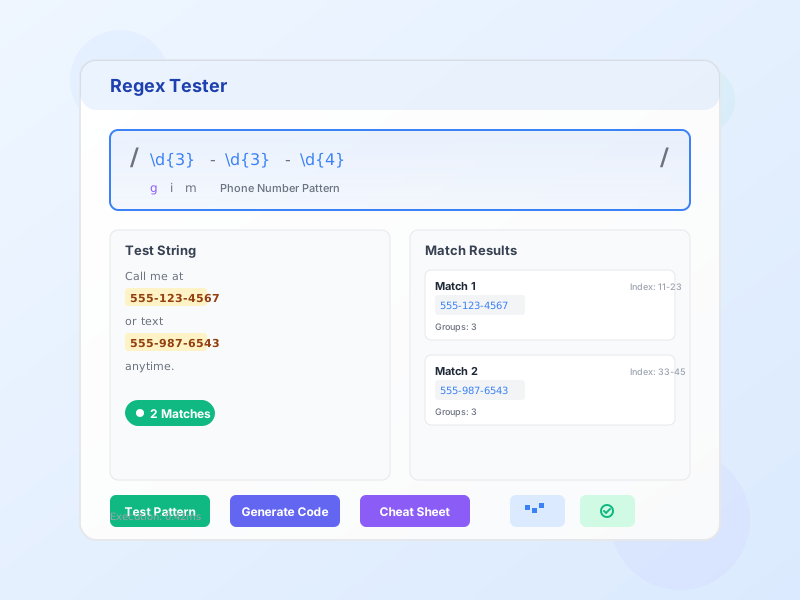
Free online regex tester and debugger. Test regular expressions with real-time matching, syntax highlighting, pattern explanation, and code generation for multi...
Join our community of happy clients and provide excellent customer support with Post Affiliate Pro.




Cookie Consent
We use cookies to enhance your browsing experience and analyze our traffic. See our privacy policy.