


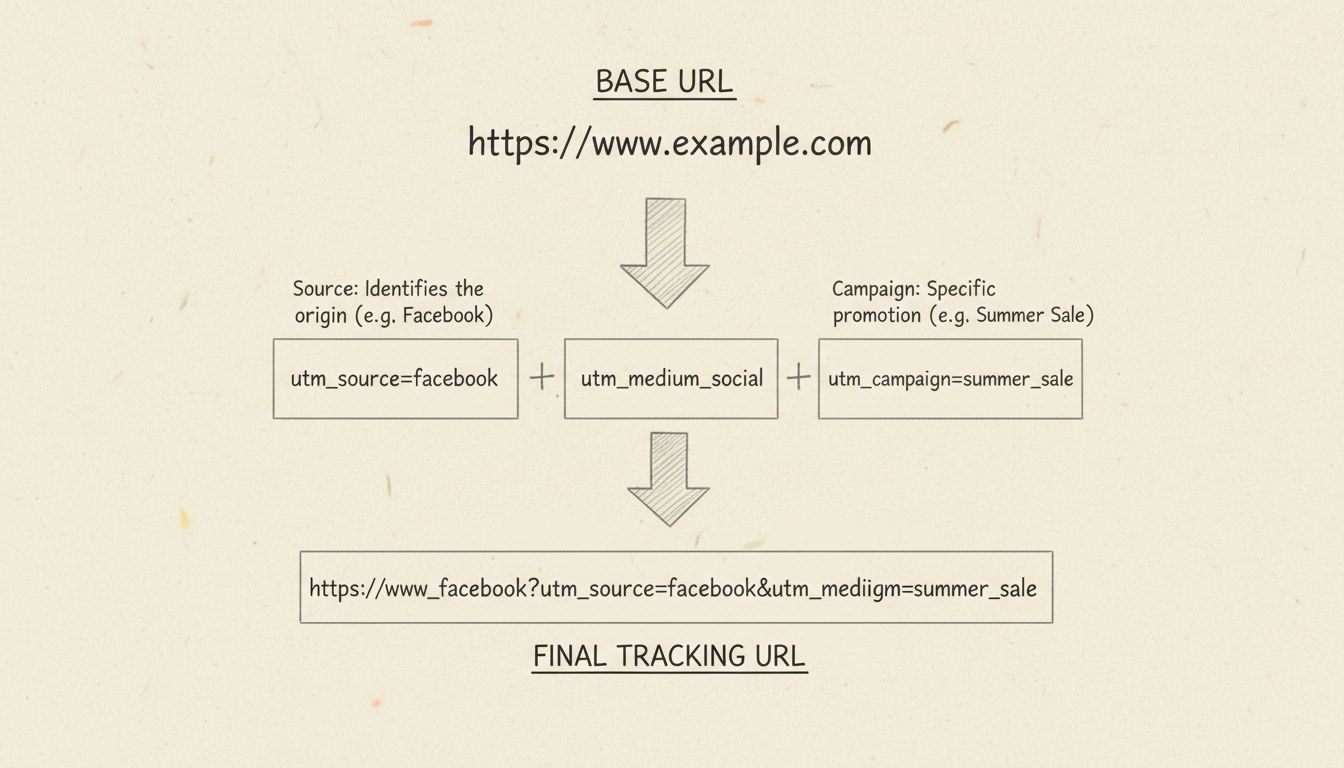
How to Create Tracking URLs
Learn how to create tracking URLs manually or with URL generators. Master UTM parameters, best practices, and integrate with PostAffiliatePro for advanced affil...
11 min read

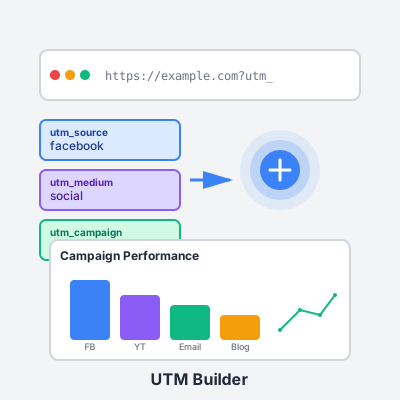
Create properly tagged URLs to track your affiliate marketing campaigns across all channels. Know exactly which traffic sources, campaigns, and content variations drive the most conversions and commissions.
Track Campaign Performance - See which marketing channels deliver the best ROI. Compare Facebook vs. YouTube, email vs. blog posts, or organic vs. paid traffic. Make data-driven decisions about where to invest your time and ad budget.
Optimize Content Strategy - Test different calls-to-action, button placements, or promotional angles with utm_content. Identify which messaging resonates with your audience and scale what works.
Attribution Clarity - Know exactly which affiliate links get clicked and convert. When you promote the same product across multiple channels, UTM parameters reveal your winners and losers.
Campaign Segmentation - Group related efforts under a campaign name (summer-promo, product-launch). Analyze all traffic sources contributing to that campaign’s success in one unified view.
Be Consistent - Create a naming convention and stick to it. Use lowercase, replace spaces with hyphens, avoid special characters. Inconsistency creates duplicate data entries that fragment your analytics.
Think Long-Term - Your UTM naming should make sense 6 months from now. Use descriptive campaign names like “q4-holiday-gift-guide” instead of “campaign123.”
Don’t Overdo It - UTM parameters create long URLs. For character-limited platforms (Twitter, SMS), use URL shorteners after adding UTMs, or stick to the essential three parameters.
Test Before Launch - Click your tagged URLs to verify they load correctly and tracking fires. Some platforms have URL restrictions that break with certain characters.
Document Your System - Maintain a spreadsheet of your UTM conventions: approved source names, medium types, and campaign naming patterns. Share with team members to ensure consistency.
Social Media: source=facebook, medium=social, campaign=spring-promo, content=video-ad Email Newsletter: source=newsletter, medium=email, campaign=weekly-digest, content=header-link YouTube Description: source=youtube, medium=video, campaign=tutorial-series, content=description Paid Search: source=google, medium=cpc, campaign=brand-keywords, term=affiliate+software Blog Post: source=blog, medium=referral, campaign=how-to-guide, content=inline-link
Use URL shorteners (Bitly, TinyURL) for long tagged URLs, especially on social media. The full UTM parameters remain intact—shorteners just mask the length while preserving tracking. Always redirect the shortened URL to your tagged URL, never the reverse.
Integrate UTM tracking with your analytics platform (Google Analytics, Matomo) to visualize campaign performance. Create custom dashboards showing top sources, mediums, and campaigns at a glance.
Don’t use UTM parameters for internal site links—they reset sessions in analytics and skew data. UTMs are only for tracking external traffic sources to your content.
Manage multiple affiliate programs and improve your affiliate partner performance with Post Affiliate Pro.
Learn how to create tracking URLs manually or with URL generators. Master UTM parameters, best practices, and integrate with PostAffiliatePro for advanced affil...

Post Affiliate Pro is affiliate software that helps you track your entire affiliate network. Find out more about Post Affiliate Pro and its business benefits.

Post Affiliate Pro is an excellent affiliate software, and others have noticed it too! Check out the awards & certificates we've received.
Join our community of happy clients and provide excellent customer support with Post Affiliate Pro.




Cookie Consent
We use cookies to enhance your browsing experience and analyze our traffic. See our privacy policy.