



Banner Rotator Feature
Learn more about banner rotators in Post Affiliate Pro and how to use them in an effective way to draw the attention of new visitors.
2 min read
AffiliateMarketing
BannerRotator
+3


Learn how to automate your Valentine’s affiliate campaign using Banner Rotators. Pivot from physical goods to digital products automatically to capture the $26+ billion last-minute gifting market.
Every Valentine’s Day merchant knows the feeling of the “conversion cliff”. It usually happens around February 10th. Your traffic is still at an all-time high, but your sales begin to plummet. The reason is simple: shipping anxiety. Customers realize that a physical gift, no matter how perfect, won’t arrive in time for the 14th.
As we noted in our main guide on Valentine’s affiliate campaigns , the solution isn’t to stop marketing when the shipping window closes; it’s to pivot. By using Banner Rotators , you can automate this shift so your marketing stays relevant, your affiliates keep earning, and you don’t waste a single click during your highest-traffic window.
Think of a Banner Rotator as a “smart container” for your promotional materials. Instead of giving an affiliate a static image that stays the same forever, you provide them with a single Rotator code. This allows you to “cycle” different banners and destinations through that one space on their website based on a schedule you define in the background. It’s essentially a hands-free way to manage your brand’s presence across hundreds of different partner sites simultaneously.
The beauty of the Banner Rotator is that it allows you to be proactive rather than reactive. You can schedule your entire holiday pivot weeks in advance, ensuring you don’t have to be at your desk at midnight to manually swap links.
The physical banner: This features your high-ticket items like jewelry, flowers, or gift sets. You set this banner to expire the exact minute your shipping guarantee ends.
The digital banner: This features “instant delivery” items like printable gift cards or digital vouchers. You set this to become active the second the physical banner expires.

Set up advanced tracking in minutes. No credit card required.
Affiliates hate dead links and shipping delays that lead to refunds. By providing a Banner Rotator, you protect their credibility. They can post their content in January, and you ensure that their traffic always lands on a product that can be delivered—whether it’s a bouquet in early February or a digital voucher on the 14th.
Step 1: Create your Banners: Create two separate banners; one for your physical product and one for your digital gift card and choose destination URL for each of them.
Step 2: Create the Rotator: Navigate to Banners > Banner Manager and add a new Banner Rotator.
Step 3: Assign Banners: In the Banner Parameters, add both the Physical and Digital banners to this Rotator.
Step 4: Set the Dates: Use the “Valid From” and “Valid Until” fields to define the shipping cutoff.
Step 5: Distribute the Rotator Code: Affiliates will find the link to the banners under the promo campaign or in Banners & Links. They can copy the link to put on their website.
Post Affiliate Pro will automatically handle the “hand-off” between products based on the dates you set.
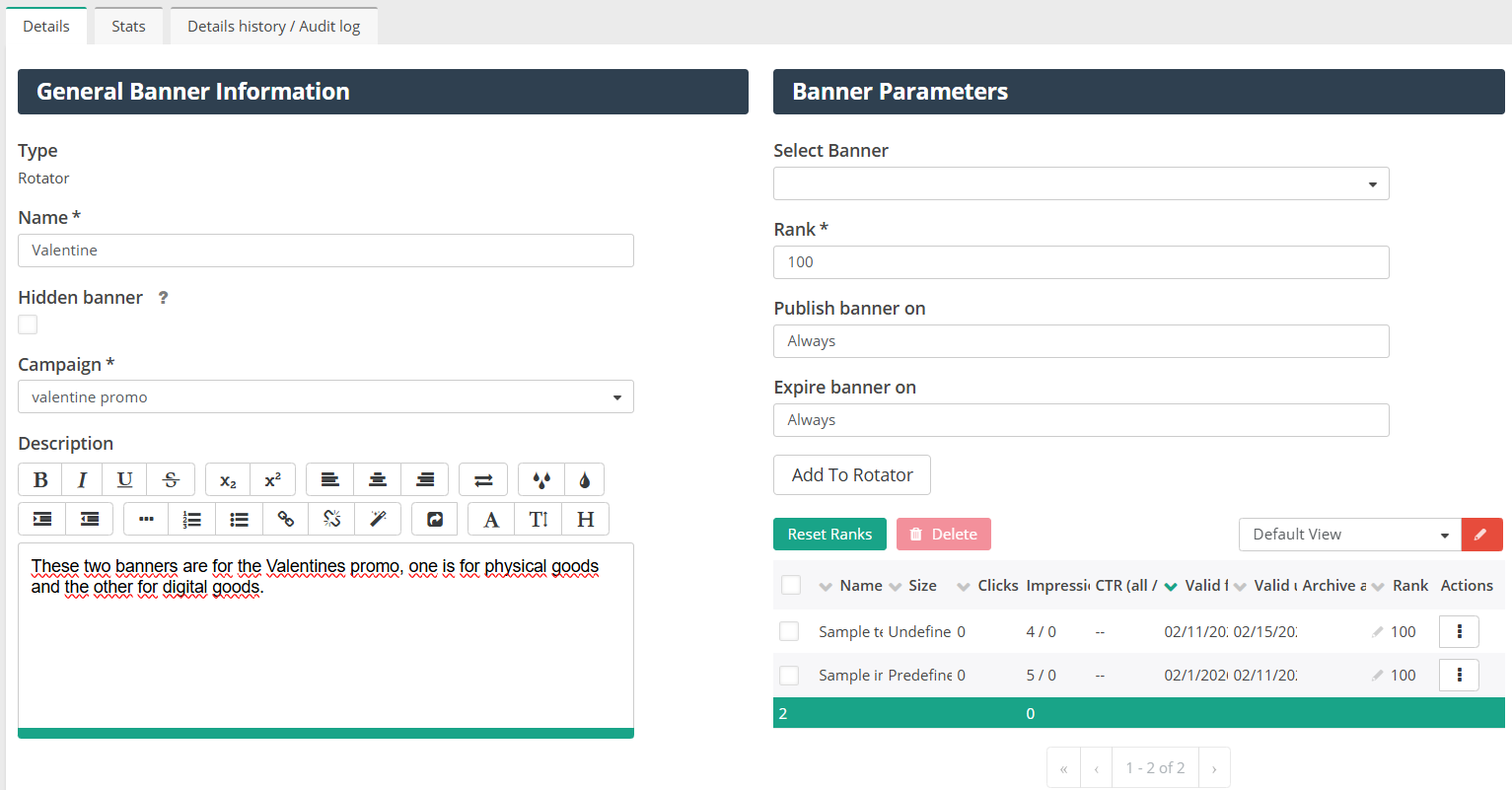
[ ] Double-check timezones: Ensure your “Valid Until” time matches your actual warehouse shipping cutoff timezone.
[ ] Check the transition: Set the banner for physical goods to expire the minute before the Rotator switches to the next banner selling digital products.
[ ] Affiliate notification: Inform your partners that they should use the Banner Rotator code for their websites. Explain that this “Automated Pivot” will switch from physical gifts to digital goods automatically, allowing them to keep earning commissions right up until the final minutes of Valentine’s Day without touching their site.
Be the first to know about new features and product updates.
In seasonal e-commerce, time is your greatest enemy. Every click you receive after your shipping deadline is a potential sale that could be lost to “out of time” frustration. By managing your links centrally and using smart redirects, you ensure that every visitor sees a product they can actually give to their loved one on February 14th.
While Valentine’s Day is the ultimate test of shipping speed, this “set it and forget it” strategy is your blueprint for success year-round. Whether it’s the December holiday rush, Mother’s Day, or a flash sale with a hard cutoff, using Banner Rotators ensures your affiliate program stays agile, professional, and profitable right up to the final second.
Stop settling for passive traffic. Empower your partners with robust tracking and performance rewards. Launch your high-conversion Valentine’s campaign with Post Affiliate Pro today.
Learn more about banner rotators in Post Affiliate Pro and how to use them in an effective way to draw the attention of new visitors.
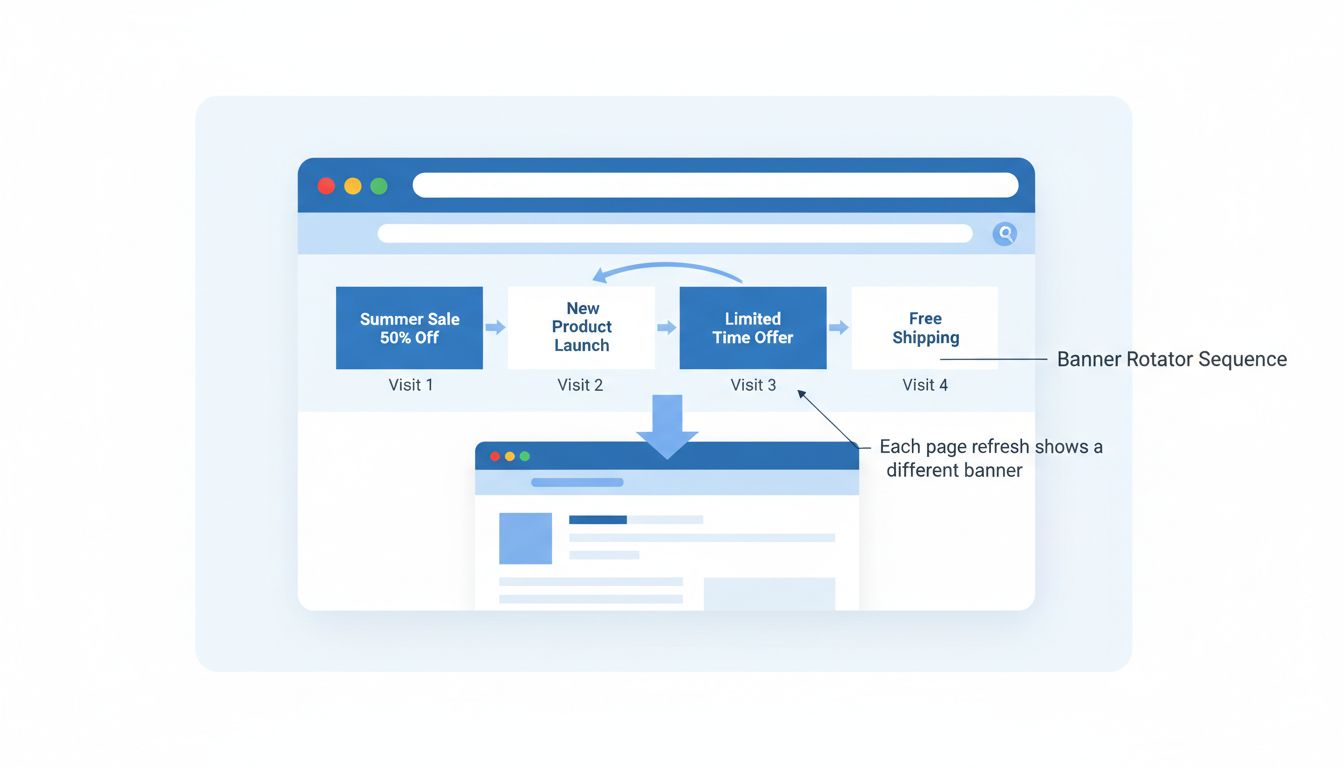
Learn what banner rotators are and how they work in affiliate marketing. Discover how PostAffiliatePro's banner rotator feature helps maximize ad visibility and...
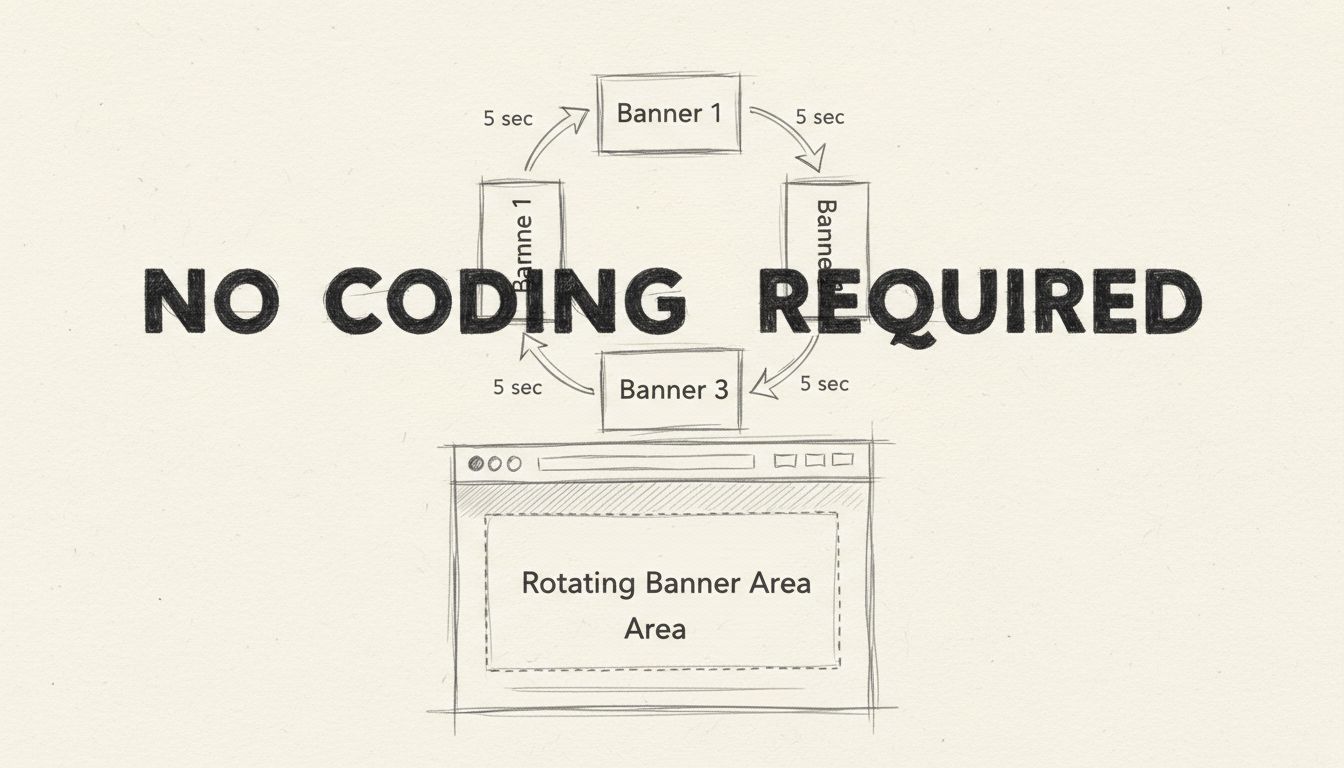
Learn how to implement a banner rotator on your website without coding. Discover no-code solutions, platform-specific guides, and why Post Affiliate Pro is the ...
Join our community of happy clients and provide excellent customer support with Post Affiliate Pro.



